-
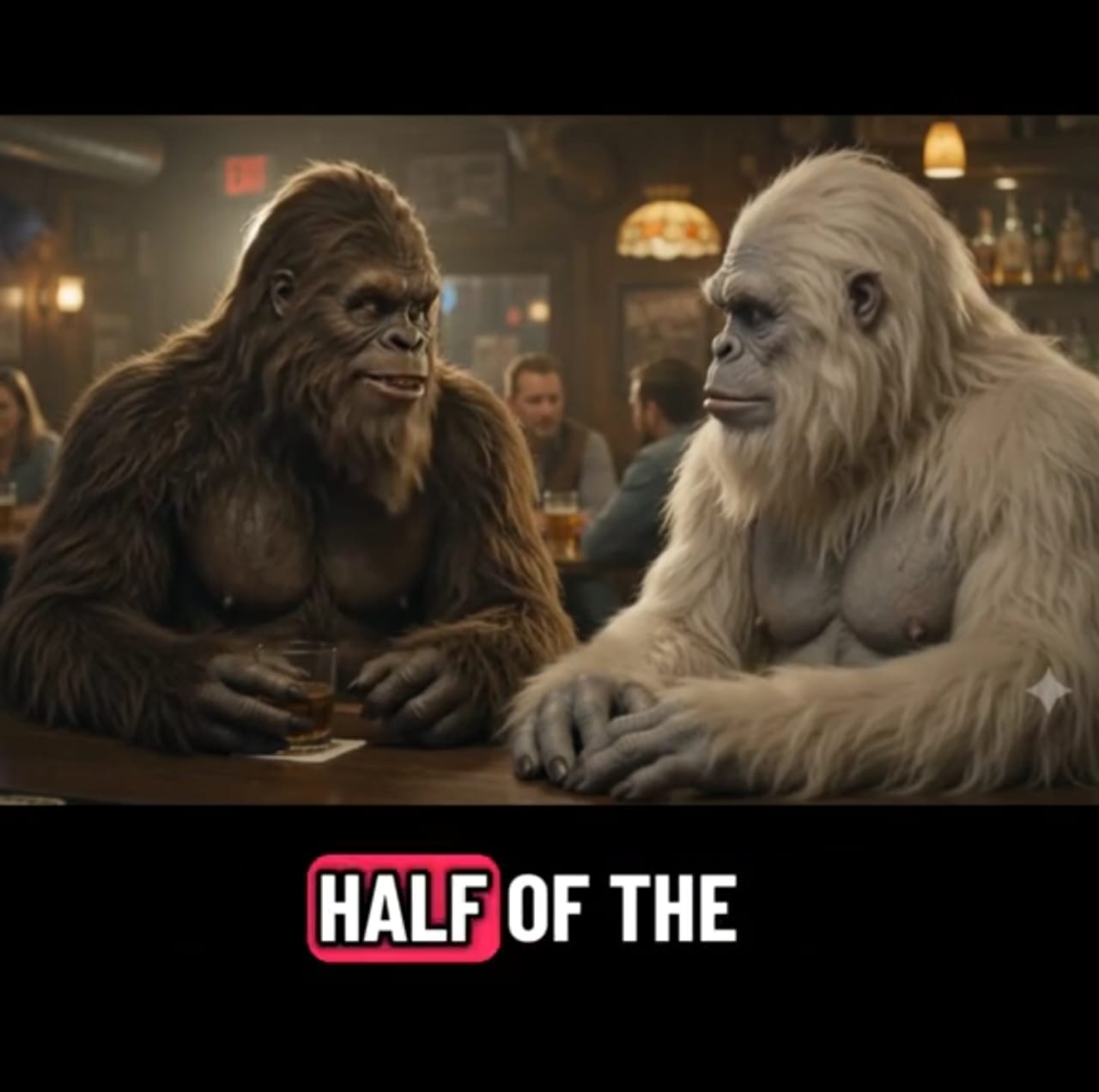
- the center-lower area, away from TikTok’s buttons.
- Add subtle background music at low volume, or leave the pub ambience.
- Export at 1080×1920, 9:16.
Step 8: Posting for reach
- Hook in the first second. Start on the funniest or strangest frame, or open with the joke line.
- Keep it under 30 seconds while you’re building an audience.
- Caption and hashtags: a short curiosity line plus a few relevant tags, such as #bigfoot #yeti #aivideo #veo3 #funny.
- Label it as AI-generated. TikTok requires disclosure for realistic AI content, and it